Your Cart
Loading

Electronics Setup Guide - Tracked vehicles

If you have little or no experience with RC electronics, here is a simple guide to help you with the wiring and setup.


Required Components

You will need:

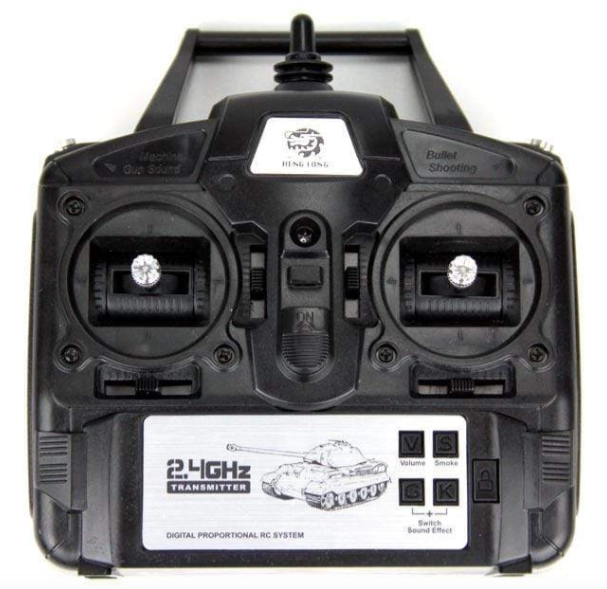
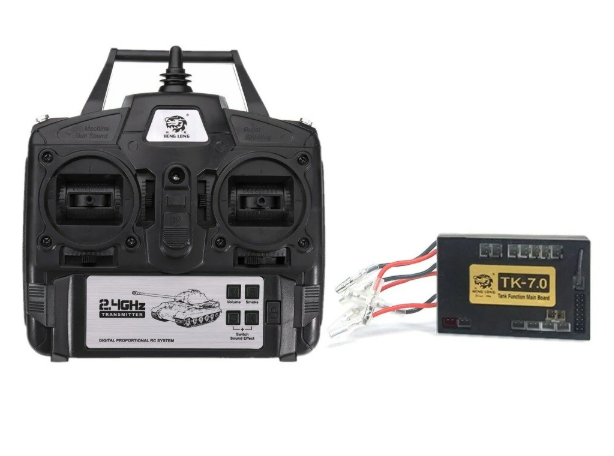
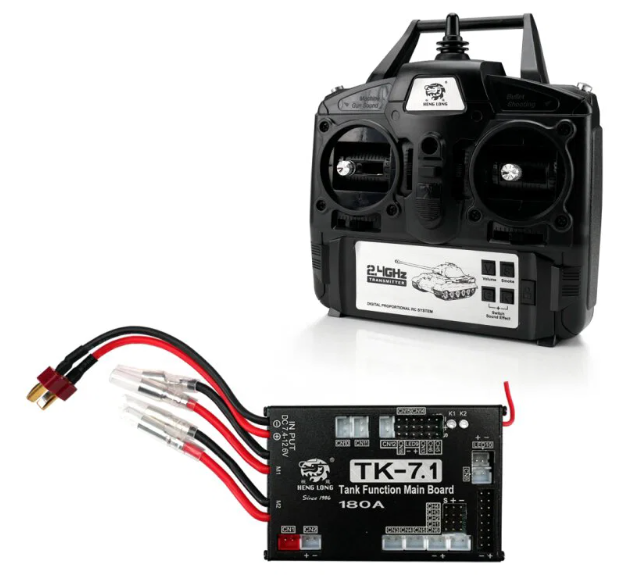
  • Heng Long TK 7.0 or TK 7.1 transmitter and receiver (commonly available on AliExpress and from local RC hobby stores)
  • Speaker
  • Small slide switch
  • LED lights: Warm white LEDs for front lights
  • 1x JST-XH cable
  • 1x 2-pin DuPont cable
  • Cable with a battery connector
  • Soldering iron
  • Wires

TK 7.0 vs TK 7.1

TK 7.0

A cheaper and less powerful option, but still fully sufficient for basic operation.

It does not support cannon recoil functions or standard 180° servos.

  • For rotating turrets or additional functions, modified 360° servos must be used (see instructions below).

TK 7.0

A more advanced and more expensive option that supports many additional features, including:

  • cannon recoil simulation
  • standard 180° servos
  • and many other advanced functions.


Basic Wiring

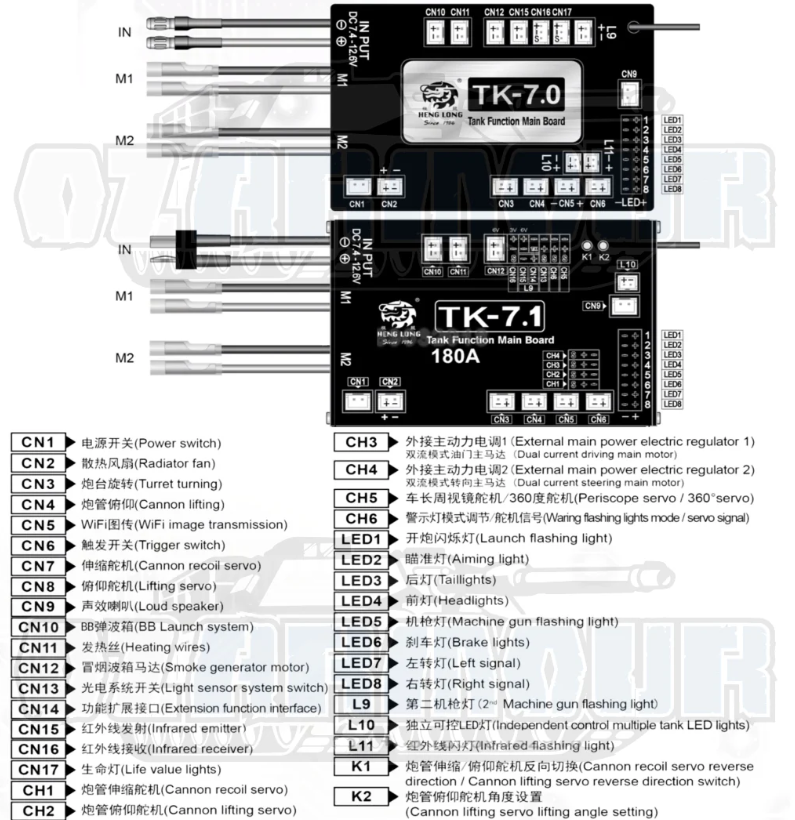
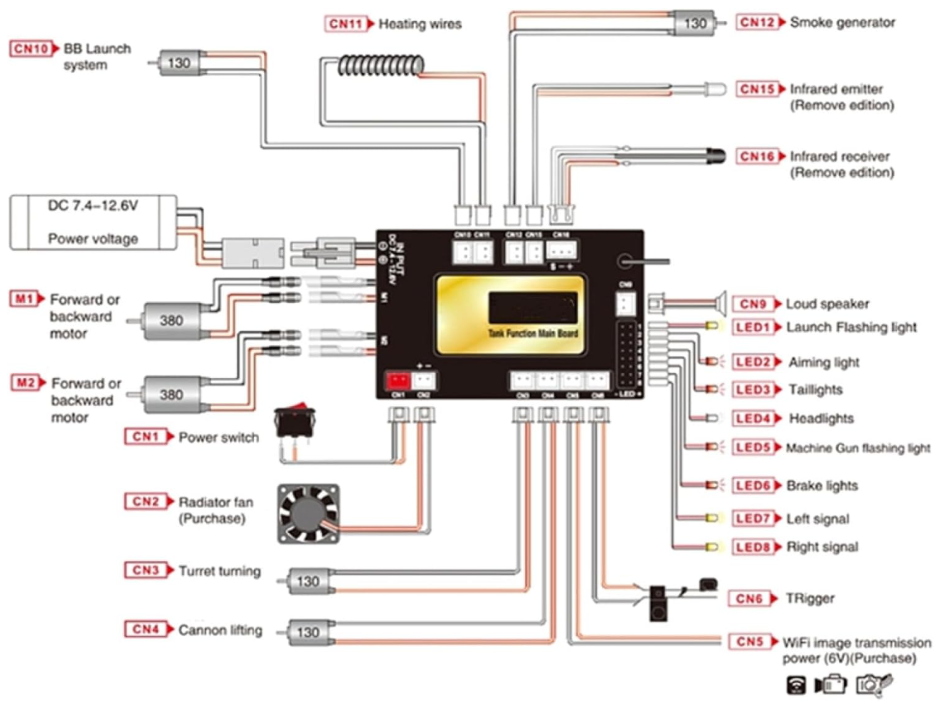
Connect the battery cable and drive motors to the control board according to the wiring diagram.

The positive (+) and negative (-) wires on the motors can be swapped to change the motor rotation direction.

If the vehicle turns in the opposite direction than intended, swap the motor connections between the left and right sides.

⚠️ IMPORTANT:

Never reverse the battery power polarity!


Attach a small slide switch to the JST-XH cable and connect it to the “Power Switch” connector according to the wiring diagram.

Connect the speaker according to the diagram.

Connect the LED lights using DuPont cables according to the wiring diagram.


TK 7.1 Setup

If you are using a TK 7.1 board:

  • Connect the cannon recoil servo according to the diagram.
  • Connect the elevation servo according to the diagram.
  • Modify the traverse servo following the instructions below and connect it to the “Turret Turning” output.

TK 7.0 Setup

If you are using a TK 7.0 board:

  • Cannon recoil is not supported.
  • Modify both the traverse servo and elevation servo according to the instructions below.
  • Connect them to the “Turret Turning” and “Cannon Lifting” outputs.

How to modify the servos

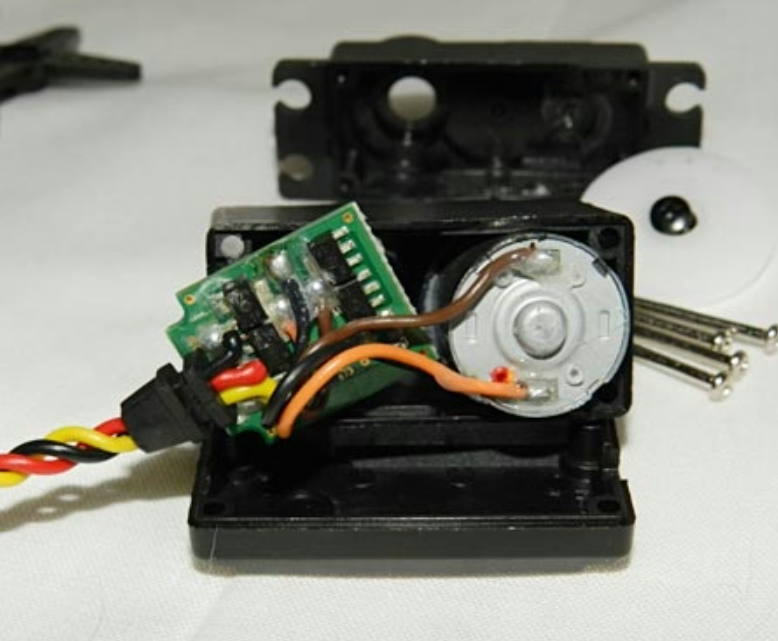
Take a 360° servo and remove the screws on the bottom cover. Carefully remove only the bottom cover.

⚠️ Be careful — the top cover may come loose easily as well.

Disconnect the motor wires and the wires connected to the internal control board. Remove the entire electronics board from the servo.

Next, take the JST-XH cable and connect the positive (+) and negative (-) wires directly to the motor terminals.

Reassemble the servo.

Install the modified servo into the correct position for the elevation or traverse and connect the servo power wires to the appropriate output.

Final Check

Carefully double-check all wiring before powering the model.